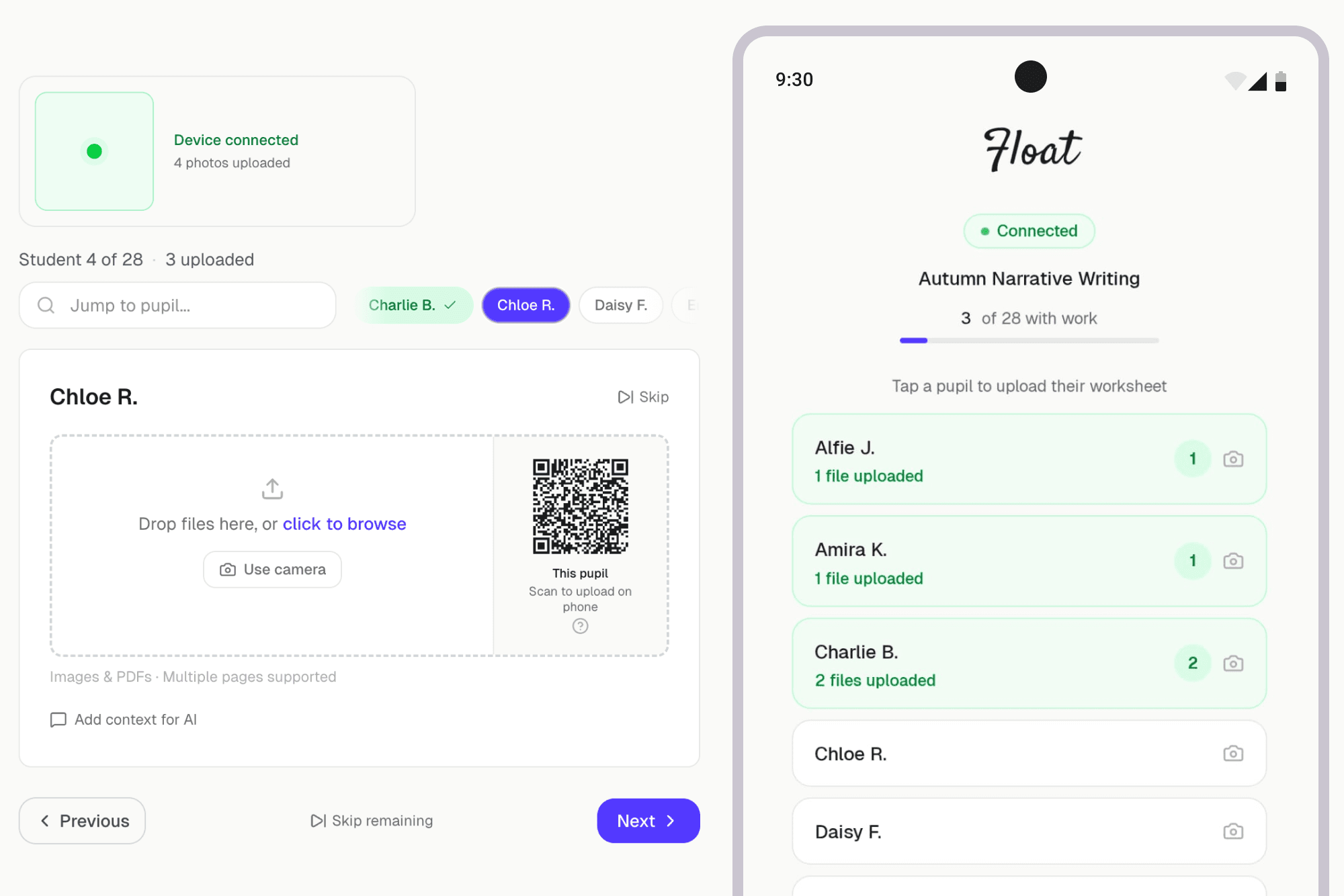
Scan and go
Every upload page has a QR code. Scan it with your phone camera and you're connected instantly — no login, no app to install, no setup.
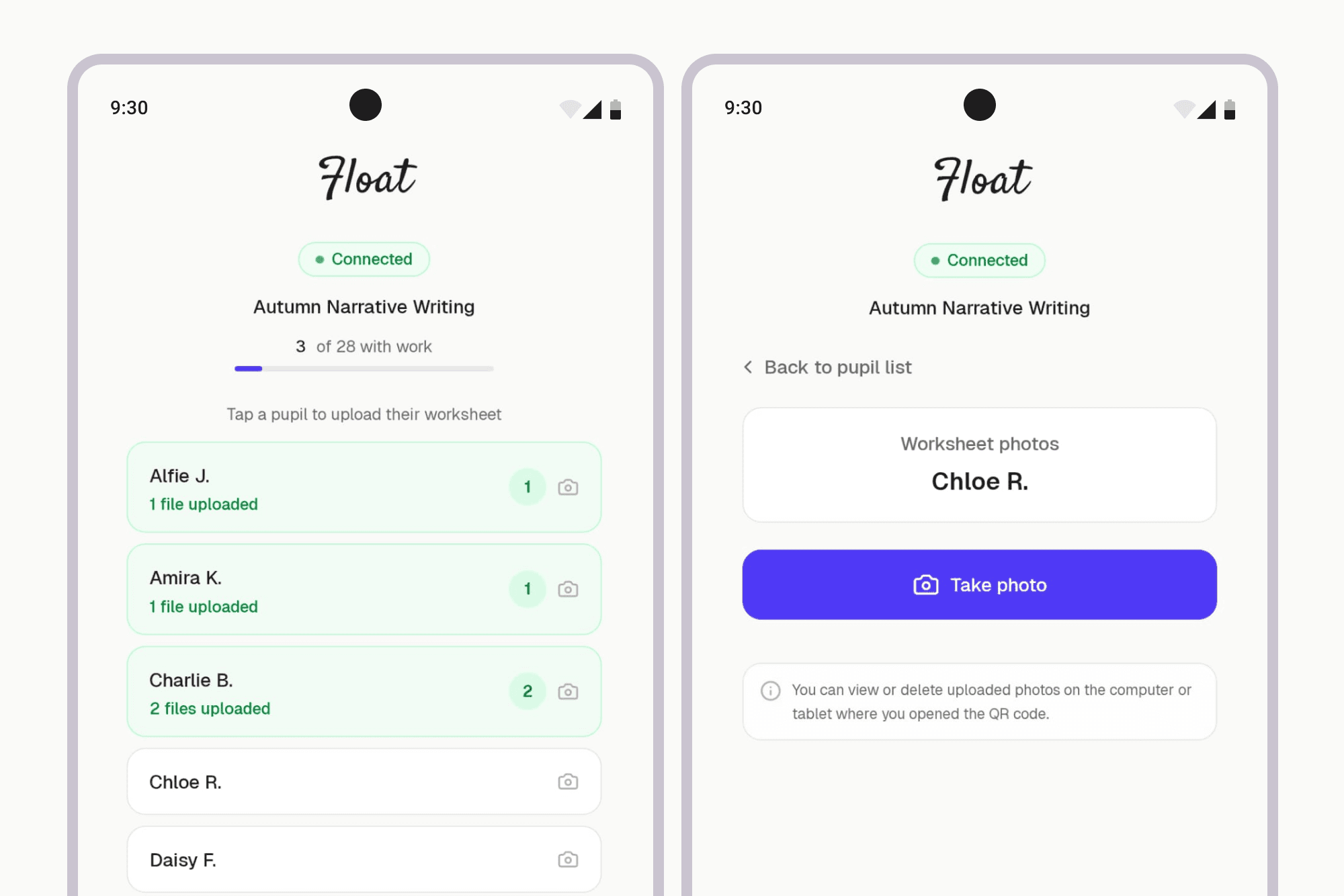
Photos appear in real time
As you photograph worksheets on your phone, they appear on your computer screen in real time. A live connection indicator and counter track how many photos have been uploaded.
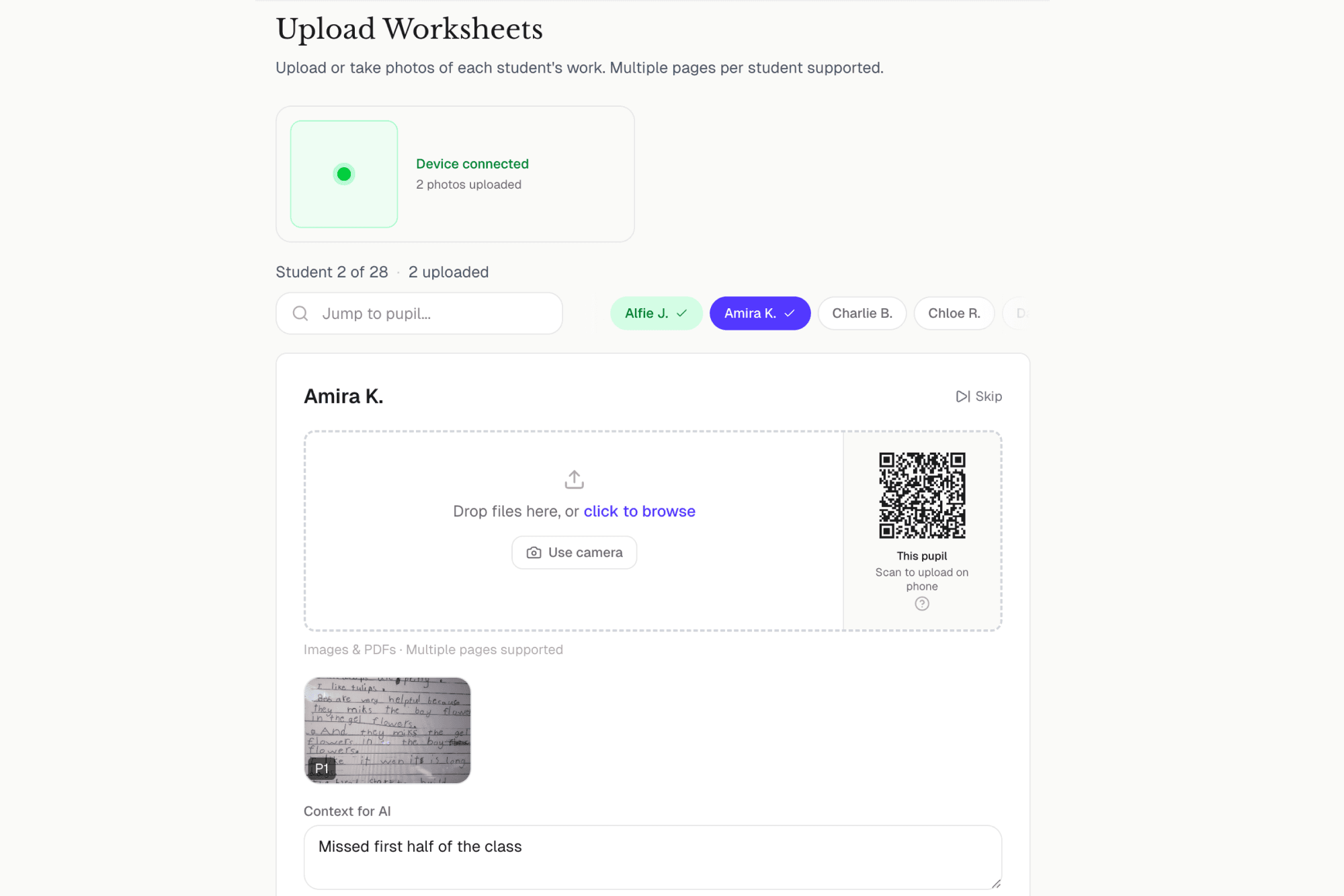
One class, one session
Your phone shows the full class list — tap a pupil, take their photo, then move to the next. Progress is tracked so you can see who's done and who's still needed.
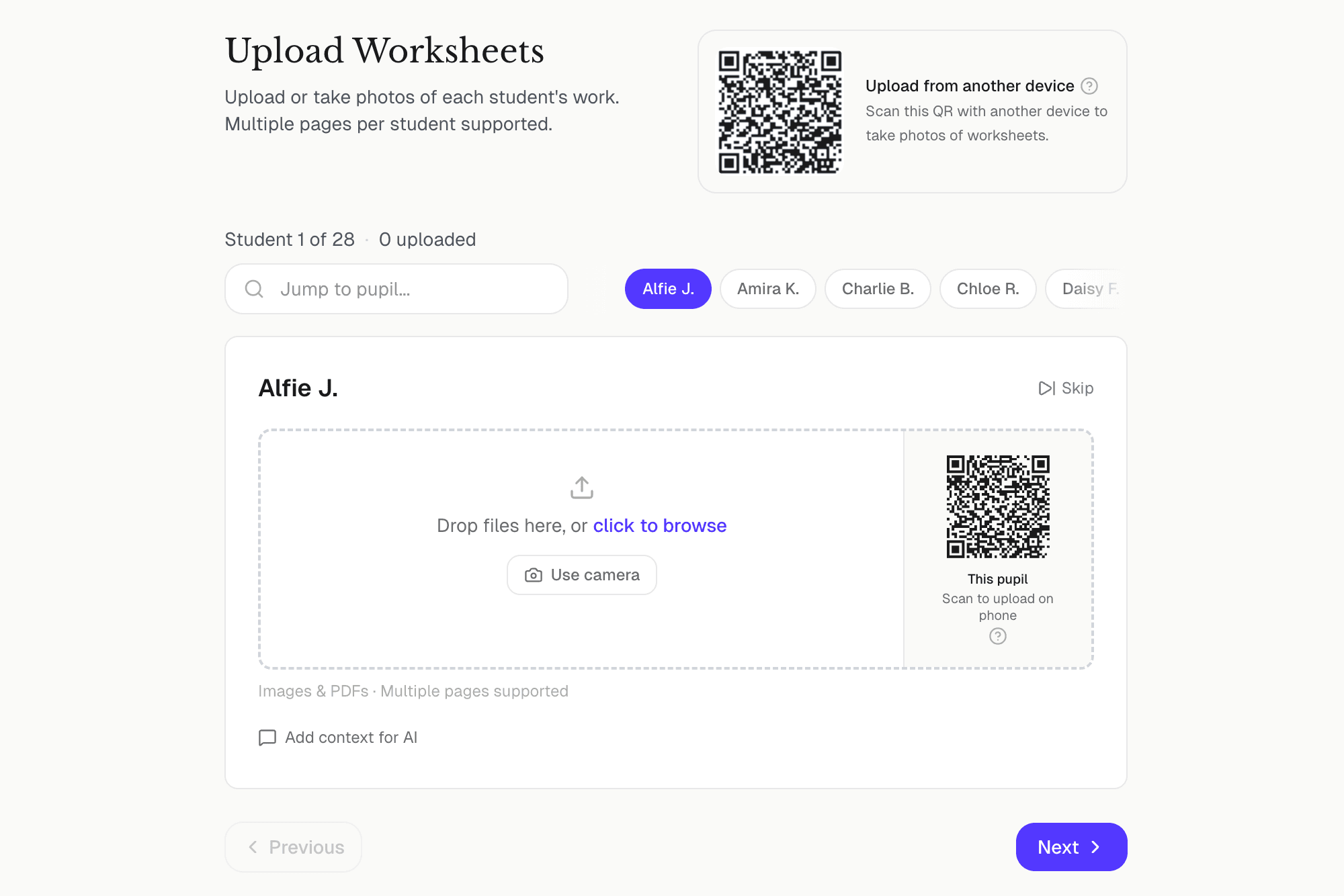
Works with Quick Mark too
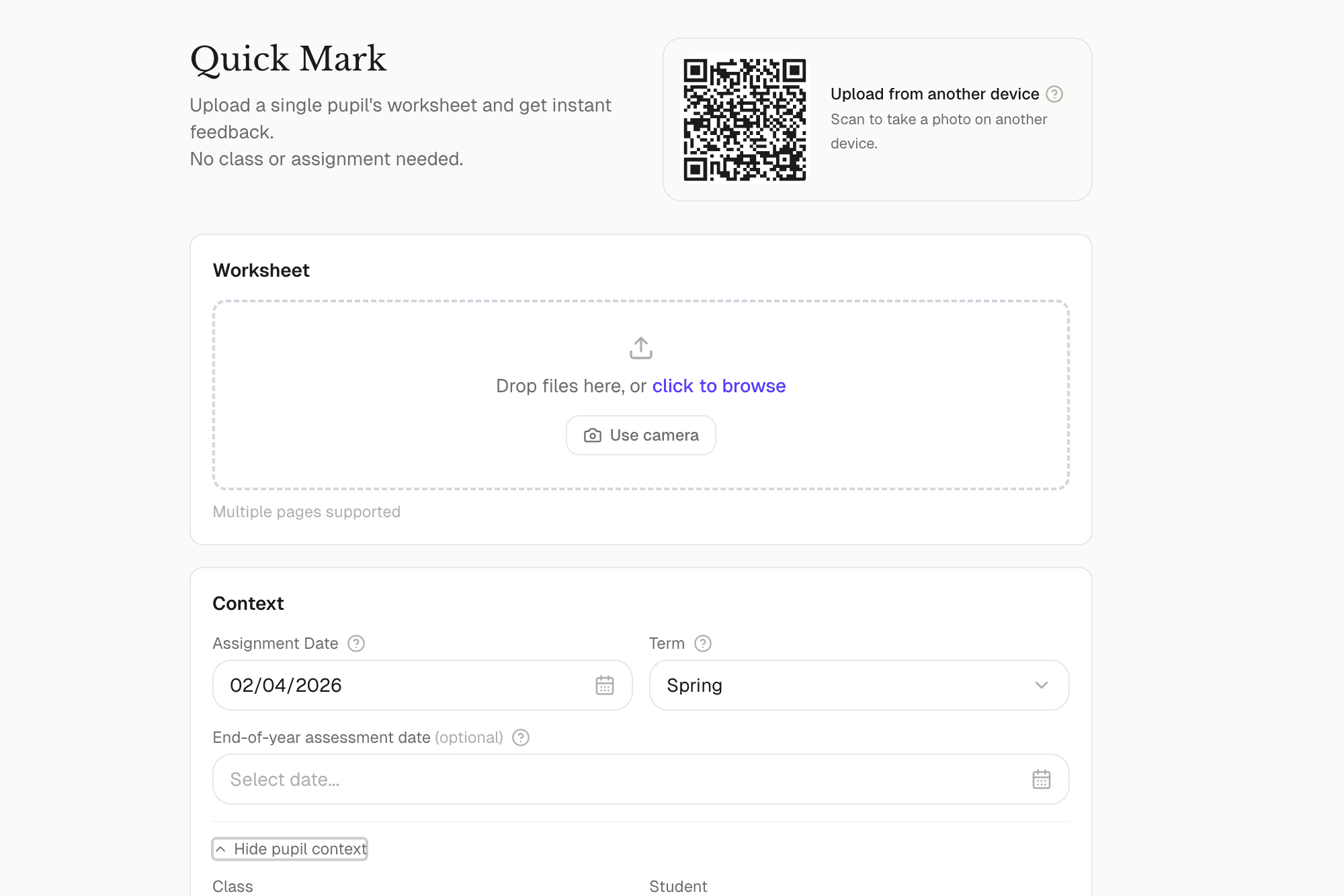
Quick Mark has its own QR code for one-off assessments. Scan it, photograph a single worksheet on your phone, and it appears on your computer ready for instant AI feedback.
More features
AI Marking
Upload handwritten worksheets and get personalised feedback for every pupil in minutes.
Class Management
Organise classes, import students in bulk, and set class-level defaults.
Progress Tracking
Proficiency charts, trend arrows, and score timelines for every pupil.
Curriculum Support
Built-in assessment grids for England, Scotland, Wales, Northern Ireland, and Ireland.
Spelling Tracking
Track spelling and usage patterns across every piece of work.
Summative Reports
Generate end-of-term reports built from real evidence.
SEND Support
16 need types with AI-adapted feedback, IEP tracking, and provision mapping.
SEND Screening
AI pattern detection that flags potential undiagnosed needs early.